Monitor resources, categories, forms and literary analyses.
Resources lets managers monitor published materials, consult literary analyses and maintain records that supply form options. They can create and edit categories and other records according to their permissions.
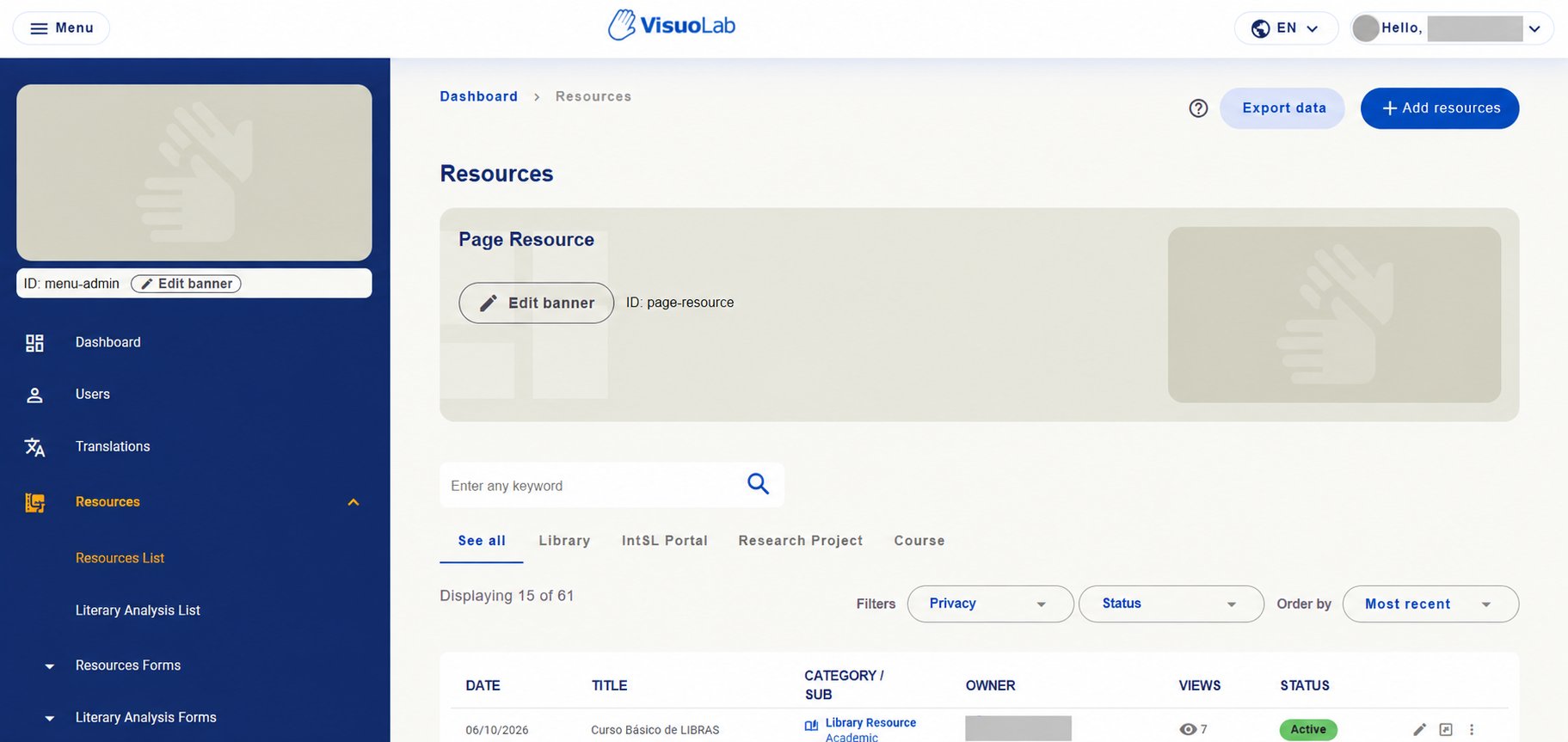
In Resources → Resources List, consult published materials and check category, subcategory, owner, views and status.
Resources area with access to resource lists, literary analyses and form records. Identifying details hidden.
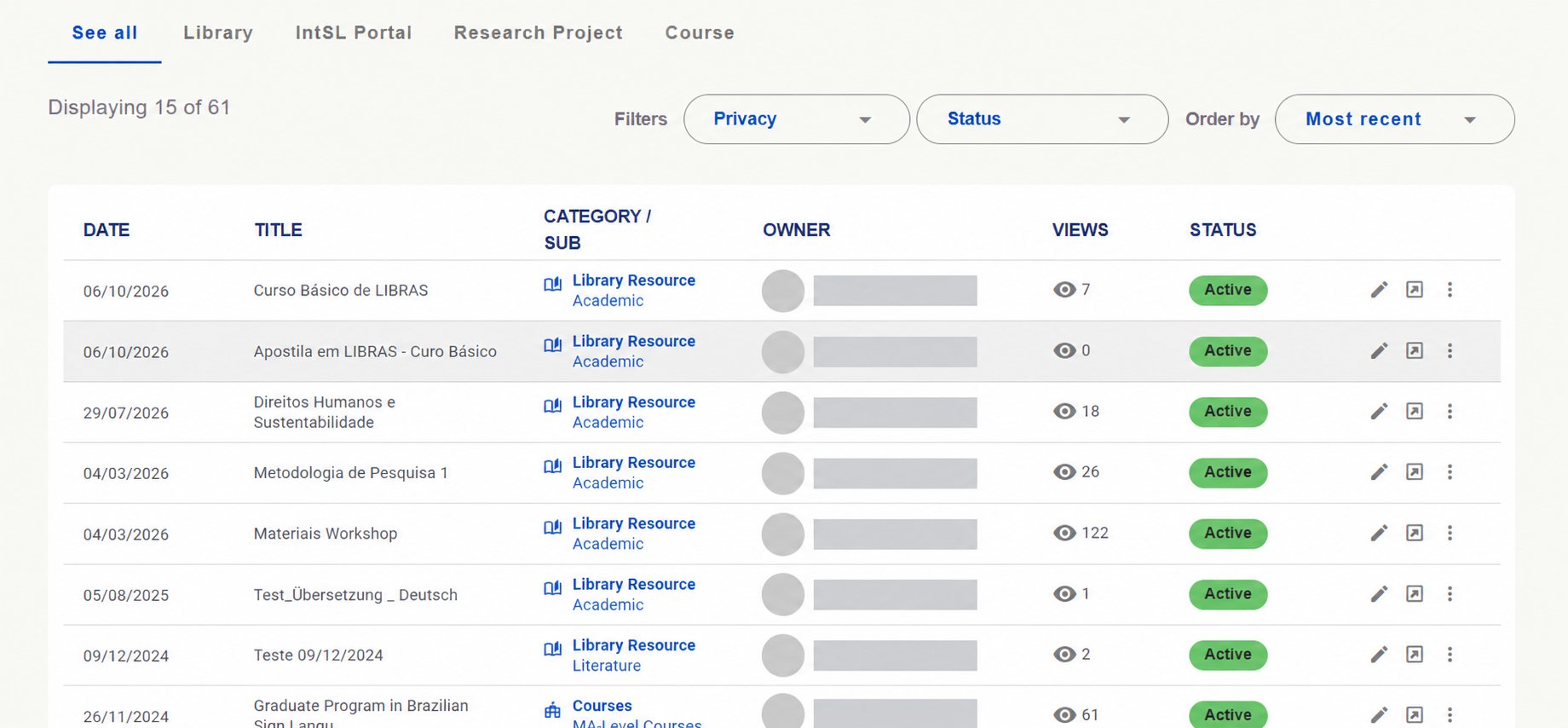
Use search, Privacy and Status filters and Order by to find resources. Tabs show all materials in See all, or filter by Library, IntSL Portal, Research Project and Course.Check title, category and subcategory, owner, views and status. Use the available actions to view or edit resources within your permissions.
Resource list with categories, views, status and actions. Owners' names and photos hidden.
Examples of resource categories
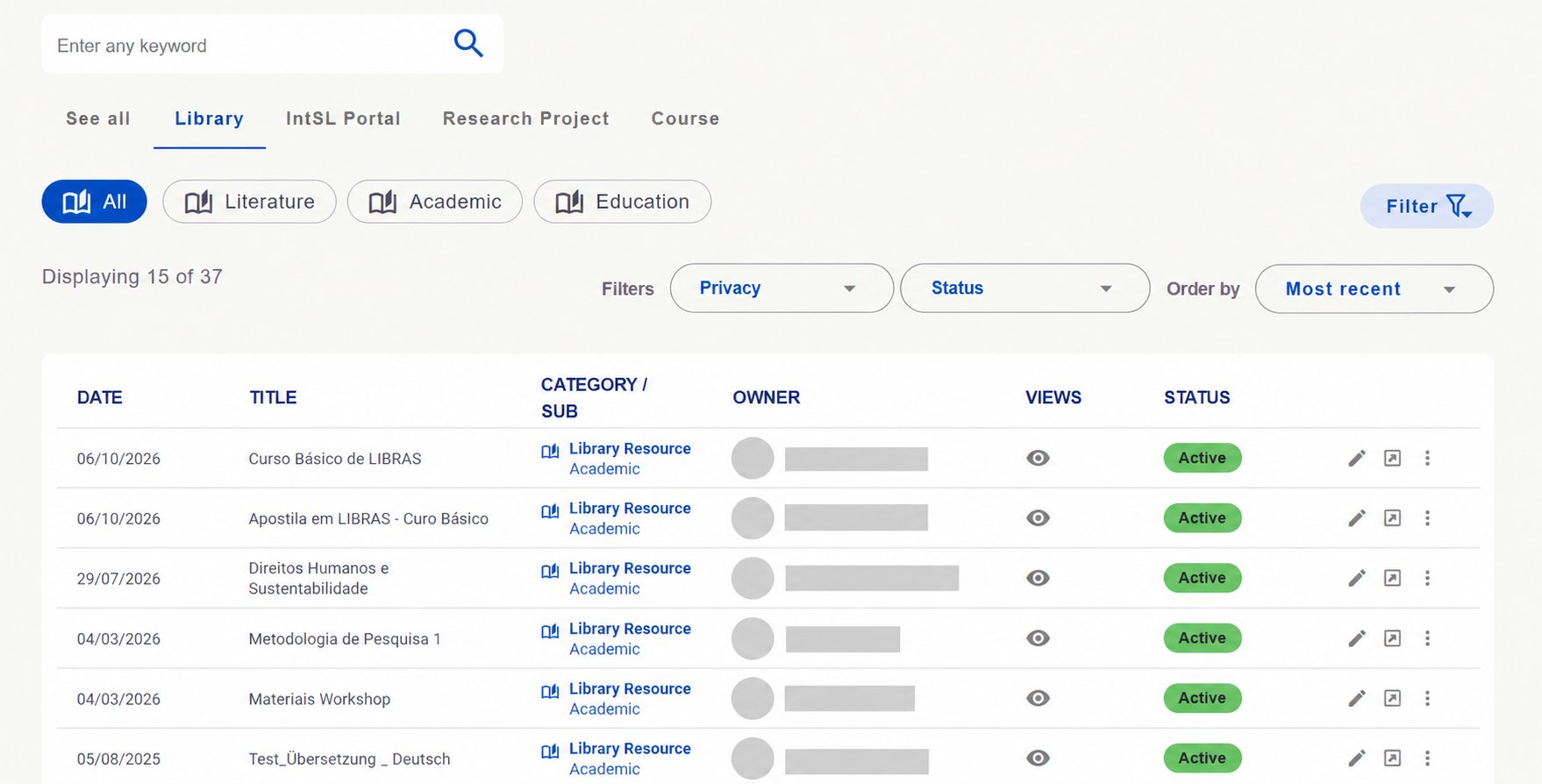
Categories may have subcategories to refine browsing. Options and counts below are installation examples.Library: this example includes Literature, Academic and Education subcategories.
Library view with subcategory options and privacy and status filters. Identifying details hidden.
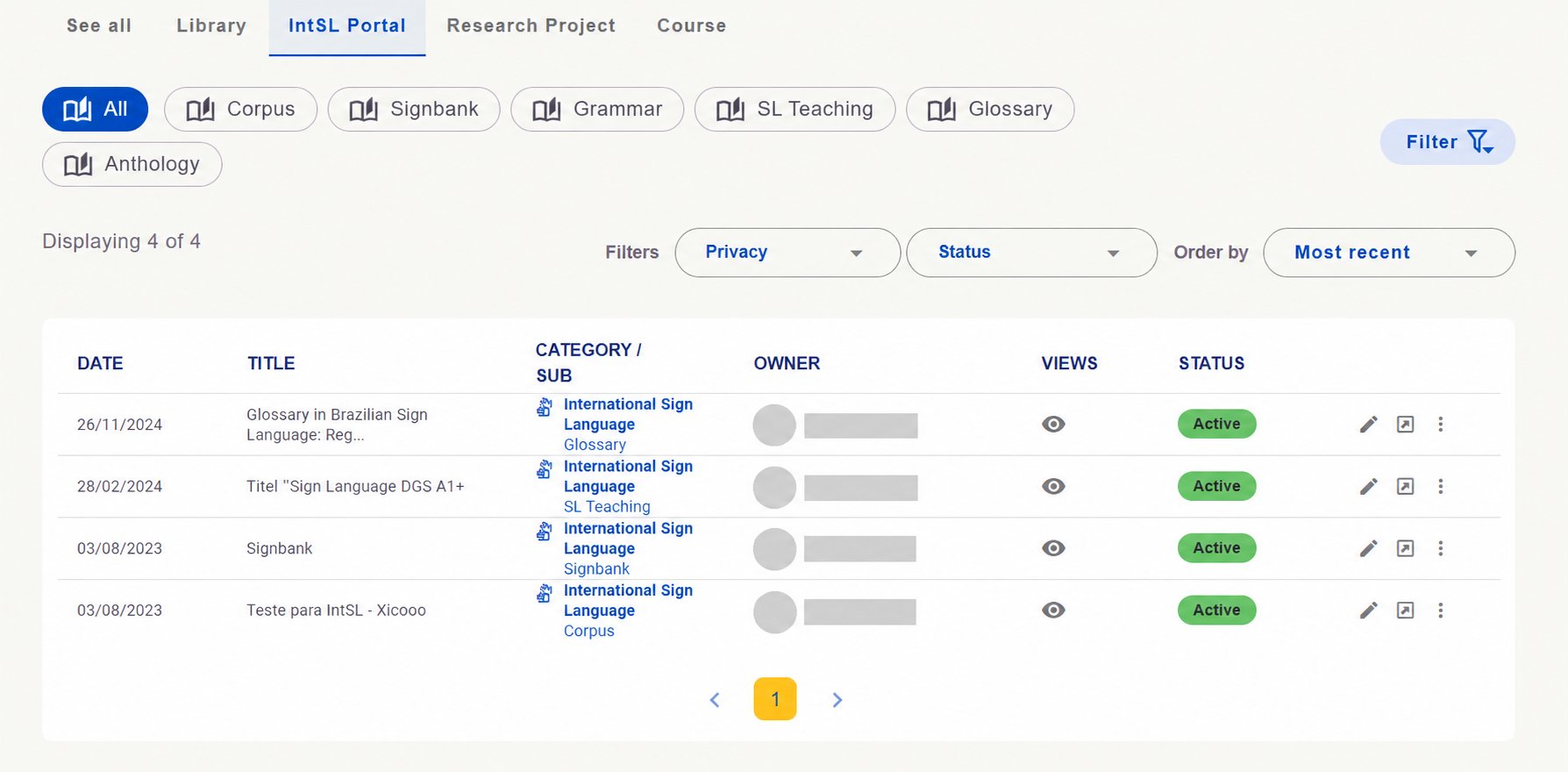
IntSL Portal: example options include corpus, Signbank, grammar, sign language teaching, glossary and anthology.
IntSL Portal category and its subcategories. Identifying details hidden.
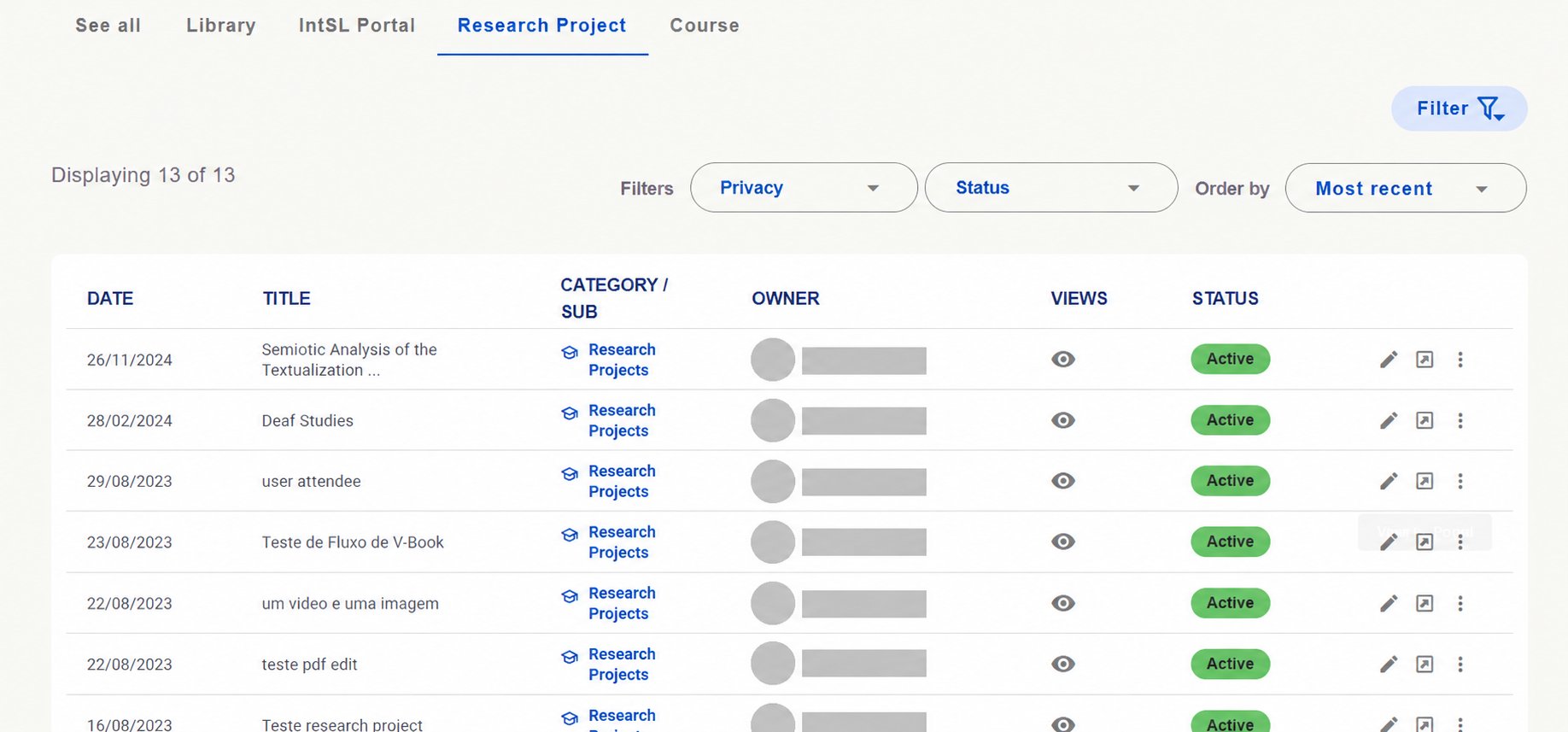
Research Project: view resources classified in this category.
Research Project resource list. Identifying details hidden.
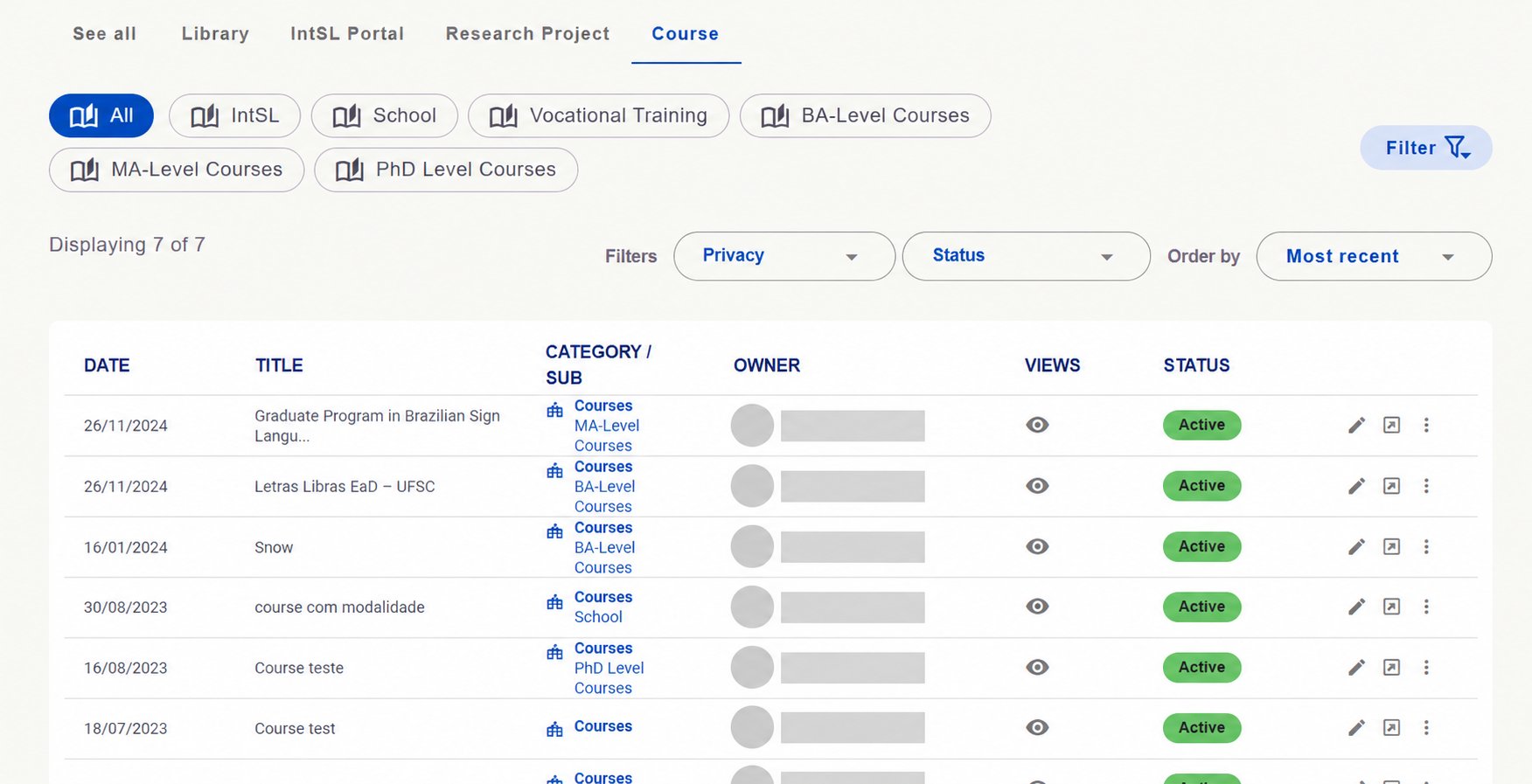
Course: example subdivisions relate to education and training, such as School, Vocational Training, BA-Level Courses, MA-Level Courses and PhD Level Courses.
Course category with subdivisions and resource list. Identifying details hidden.
In Resources Forms, managers can create and edit records supplying resource form options. These help users classify and describe materials.
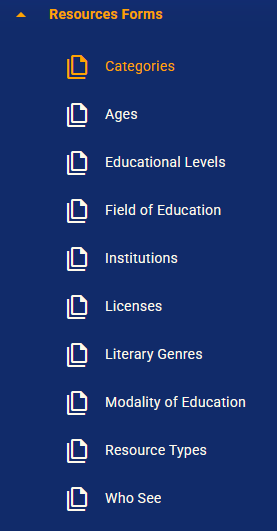
Resources Forms menu with records used in resource forms.
Record group
What it organizes
Categories and subcategories (Categories)
Resource classification and subdivisions.
Ages and Educational Levels
Audience and educational context information.
Field of Education, Institutions and Modality of Education
Educational and institutional information.
Licenses
License options associated with materials.
Literary Genres and Resource Types
Content characteristics and formats.
Who See
Options related to who can view a resource.
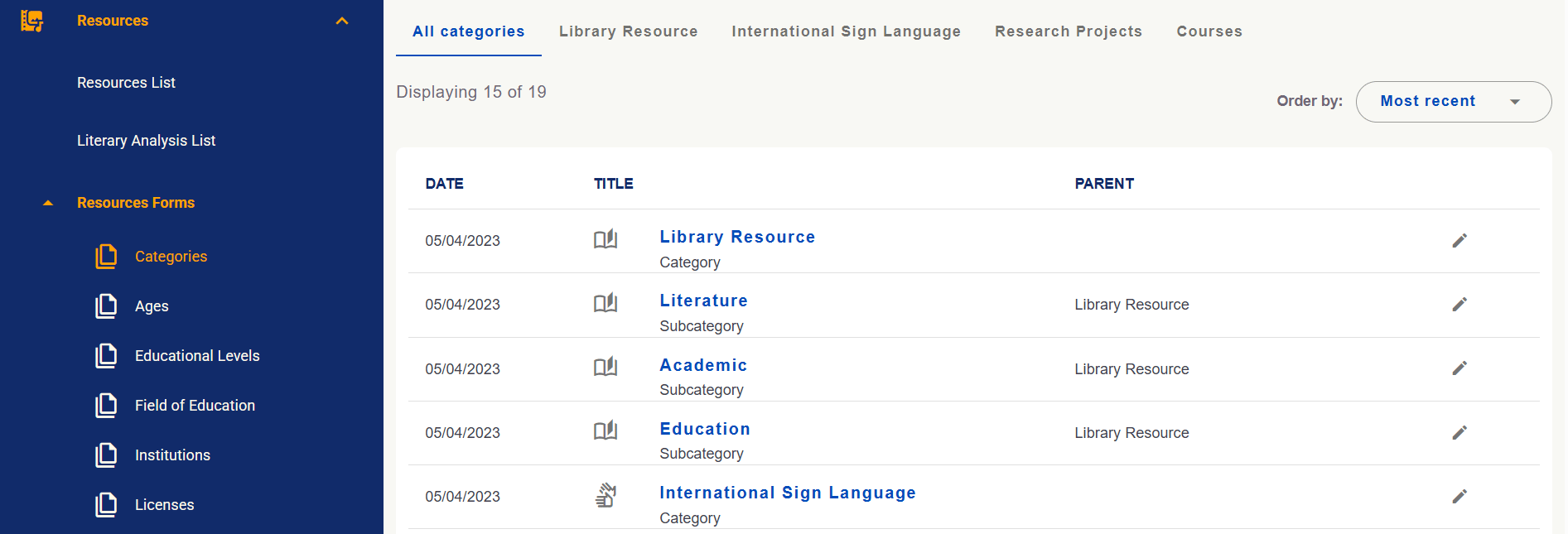
In Categories, check each subcategory’s main category in Parent. In the example, Literature, Academic and Education belong to Library Resource. Use editing actions within your permissions.
Category and subcategory management with Parent identifying the main category.
Consult literary analyses and configure their forms
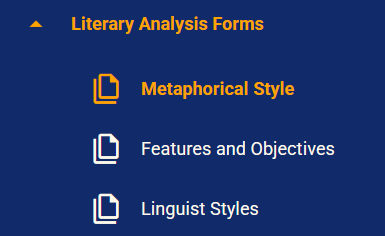
In Literary Analysis List, consult registered analyses. In Literary Analysis Forms, maintain their form options, including Metaphorical Style, Features and Objectives and Linguist Styles.
Literary Analysis Forms menu with analysis configuration areas.
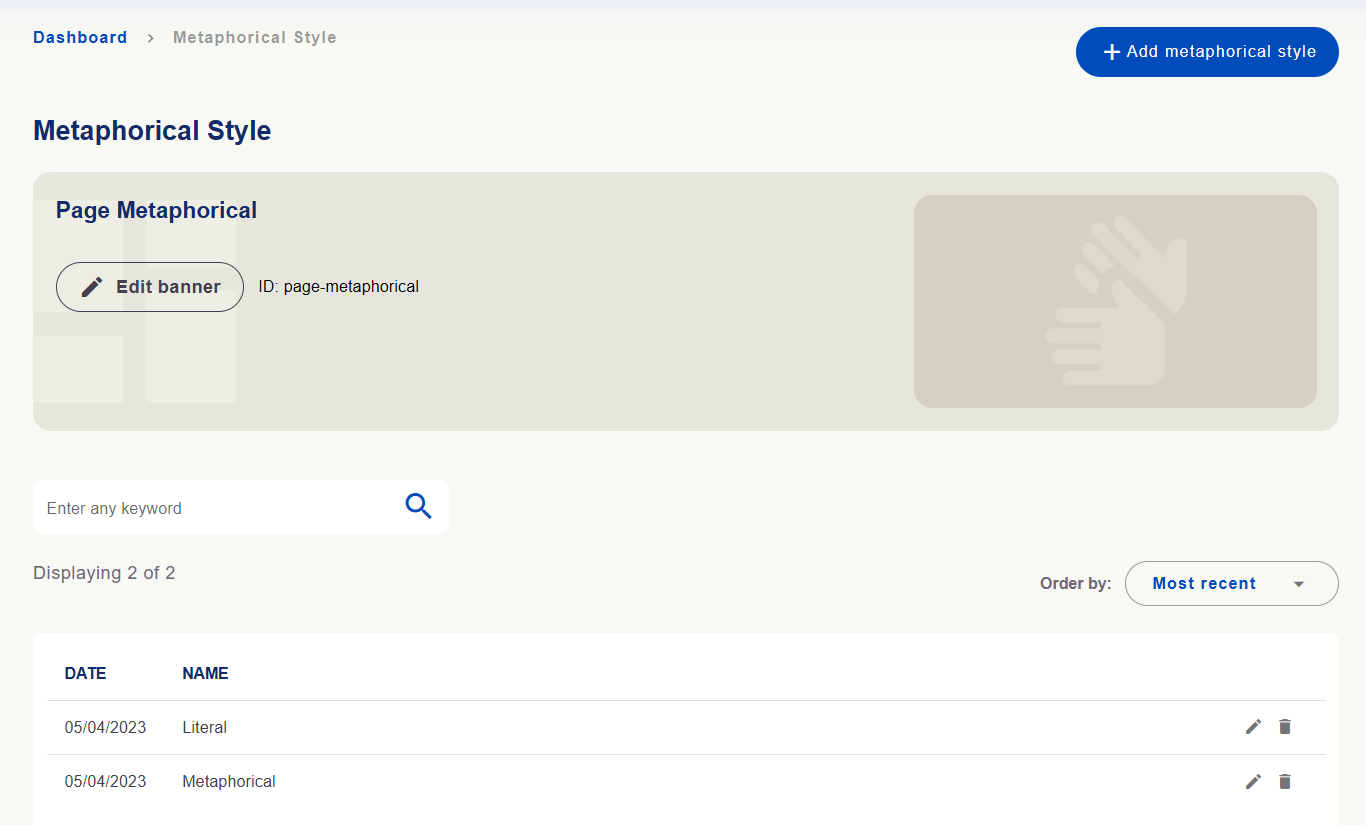
Registration screens let you add options and edit existing ones within your permissions. Metaphorical Style illustrates a list with search, sorting, an add button and editing actions.
Metaphorical style options with list, search and Add metaphorical style button.
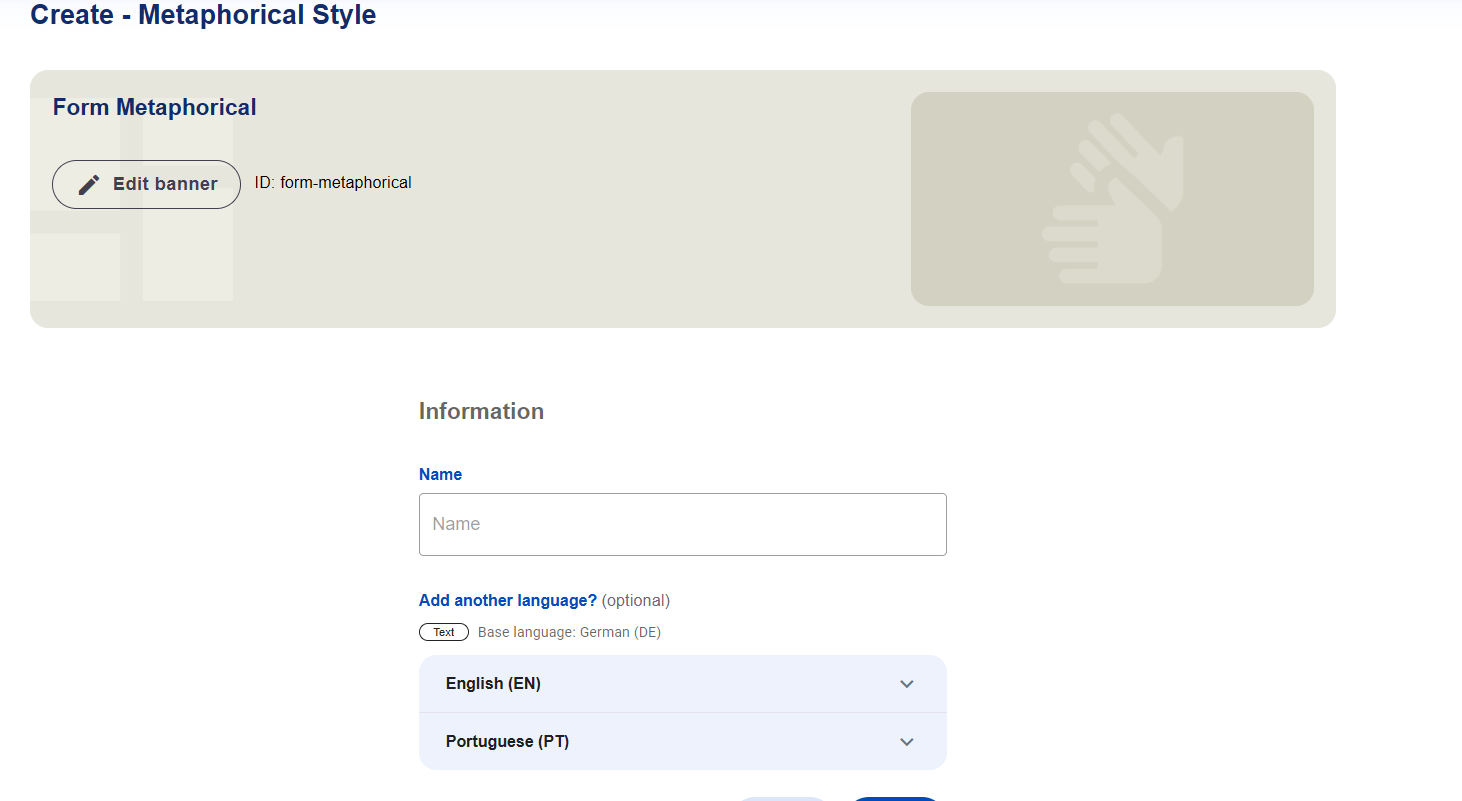
Enter the option’s Name in the form. Add another language? allows versions in other written languages within the same record. Check the source language and available versions before saving.
Metaphorical style form with Name and options for other languages.
Maintaining records and translating them are different tasks. Creating or editing a category or option changes the record used in forms. Then review its versions in Translations and check the display in enabled languages.

 English
 Português
 Deutsch
 Eesti
Eesti