
 English
 Português
 Deutsch
 Eesti
EestiWhere to go
Open Translations → Object Texts.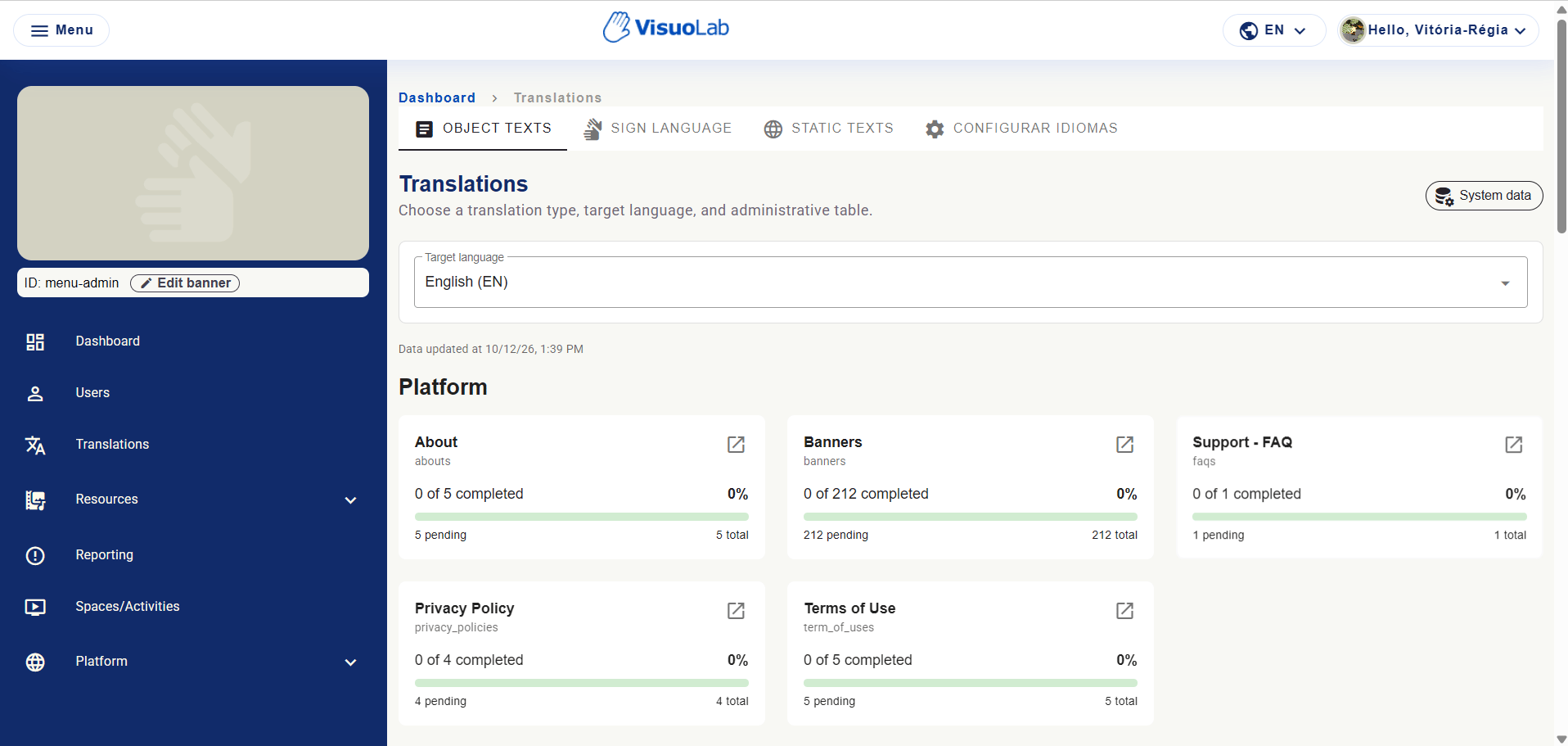
Translations with four tabs, target language and progress cards.
Translate and validate records
1
Choose the target language
Select the written language and check the data update date and table indicators.
2
Open the table
Find the group and table. Click the open icon in the card corner.
3
Review records
Translate the records, checking clarity, meaning and terminology. Complete each edit with the available action.
4
Check in the platform
Open the form or page containing that record in the target language. Check its context and monitor pending items.
Five groups
Platform
Platform
About, Banners, FAQ, Privacy Policy and Terms of Use. Created or changed texts need review in enabled languages.
Activity settings
Activity settings
Activity types, activity categories and activity form data.
Literary Analysis
Literary Analysis
Linguistic styles, metaphorical style, and features and objectives used in analysis forms.
Forms and general data
Forms and general data
Linguistic backgrounds, information locations, languages, professional background, reporting reasons, sign languages and user types.
Resource registers
Resource registers
Ages, categories, educational levels and fields, institutions, licenses, literary genres, education modalities, resource types and visibility options.
Creating a register and translating it are different tasks
Resources → Forms maintains registered options; Object Texts maintains their language versions. After adding or changing an option or institutional content, review translations in active languages. Translate descriptions as well as titles when present.Read the cards
Manual counts are installation examples. Even 100% requires linguistic and interface review.