
 English
 Português
 Deutsch
 Eesti
Eesti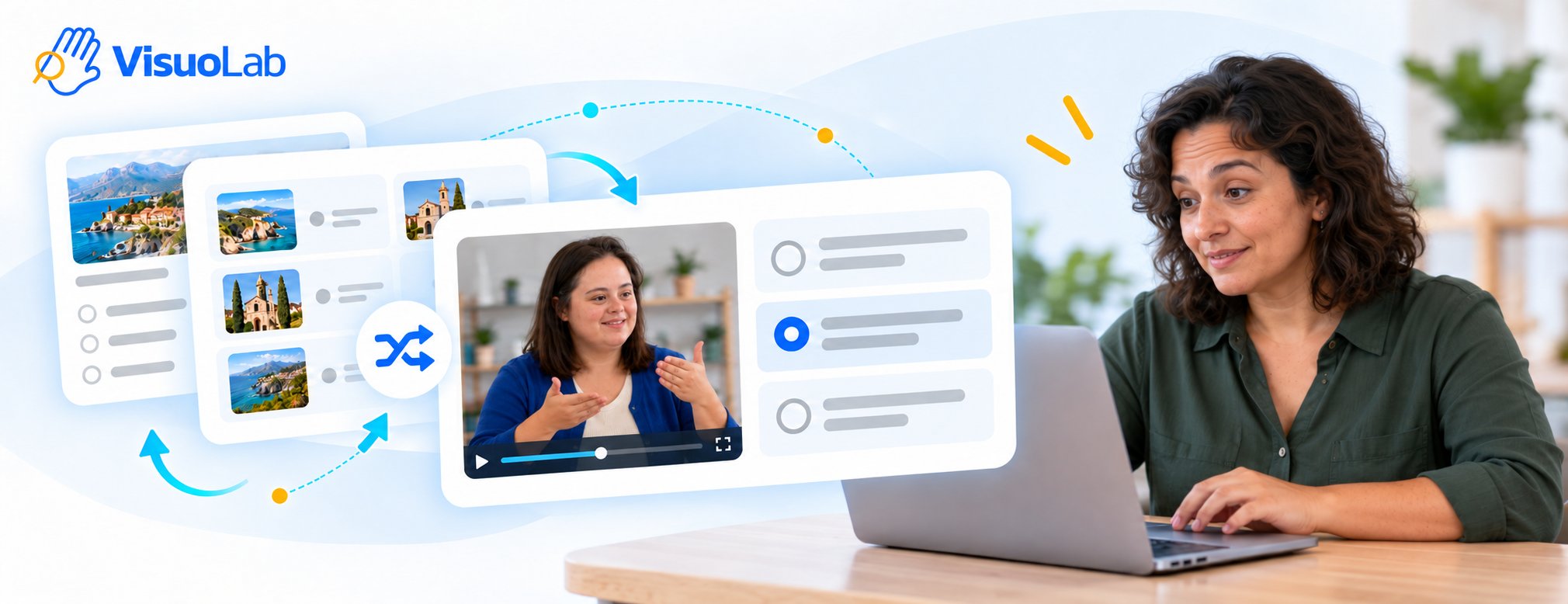
How it works
When you open the activity, the platform draws an activity from the library according to the configured categories. Answer the questions and complete your attempt following the Reception flow. The variety depends on the materials available in the library.Complete an attempt
1
Open the activity in your Space
Find the Random generation activity and read the instructions.
2
Explore the selected content
Read or watch the questions and check the conditions, such as time and navigation.
3
Answer and finish
Answer the questions and use Finish activity to submit your attempt.
4
Follow the result
Each attempt receives its own result. Check the information available under Attempts, Grades and Answer key, depending on the settings.
Practise again
You can make new attempts to practise with randomly selected content. The Supervisor follows the number of completions and the result of each attempt. When manual release is configured, the grade and answer key become visible only after the Supervisor releases them.How to answer Reception questions
Explore question formats and navigation controls.
View results and feedback
Learn how to follow your results.