
 English
 Português
 Deutsch
 Eesti
Eesti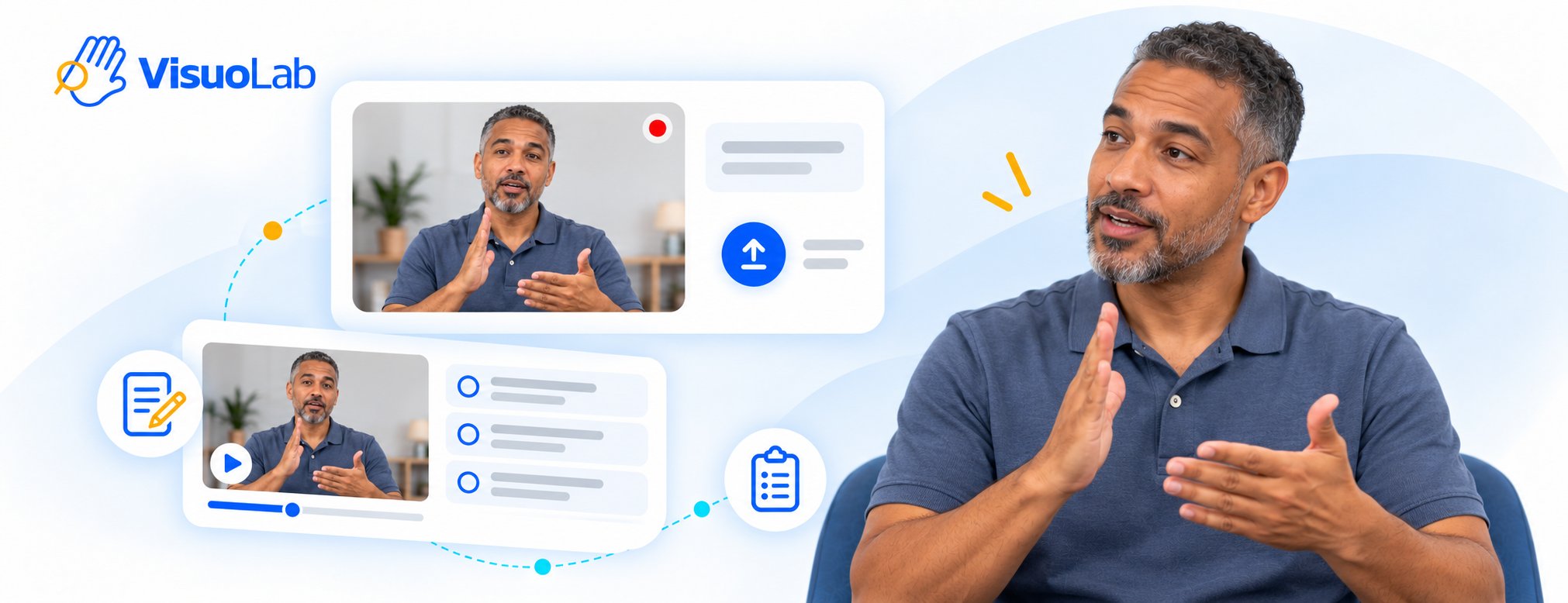
Prepare your response
Read the instructions, consult the materials and check what you need to produce. Review the criteria presented and the available recording options.Record or upload the video
1
Choose how to produce your response
In Produce your content for this response, select Upload to use an existing file or Record to create the video on the platform.
2
Prepare the video
If recording, check your camera, microphone and framing, and allow device access when prompted. If uploading a file, check that it matches the requested response.
3
Check before submitting
Review the content and image quality. The manual specifies a 250 MB limit for uploaded videos and the option to attach .vtt subtitles. Check the limits displayed in your installation.
4
Submit your response
Complete submission using the controls presented in the activity.
5
Review your production
After submission, open Self-assessment to review your own video according to the task. This review does not replace the Supervisor’s main assessment.
Follow the assessment
The Supervisor assesses the production manually and releases the grades. Your grade may not appear immediately after submission. When peer assessment is part of the task, the Supervisor may invite a participant to provide feedback on a peer’s production, depending on the settings.View results and feedback
Understand grades, self-assessment and peer assessment.
Explore assessment activities
Return to the overview of activity types, currently available in Portuguese.