> ## Documentation Index
> Fetch the complete documentation index at: https://docs-visuolab.levantelab.com.br/llms.txt
> Use this file to discover all available pages before exploring further.
# Explore the five types
> Explore the five types — VisuoLab.
**For participants**
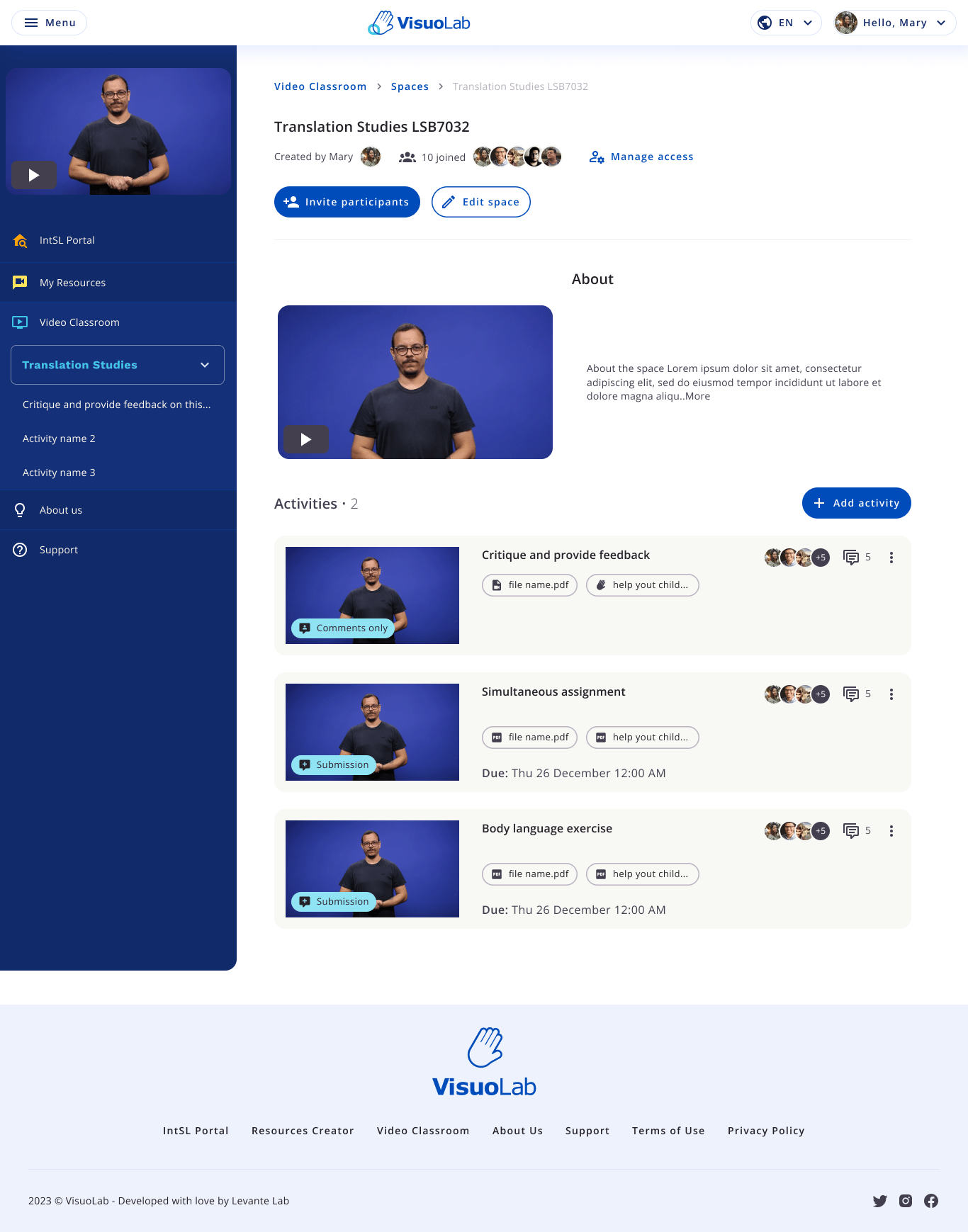
Freeform activities support discussions, submissions and interpreting practice. They do not follow a fixed assessment structure, but may include guidance and feedback from the Supervisor.
 ## Explore the five types
Click a card below to open the illustrated tutorial for each activity.
Join discussions through text or video comments, according to the activity’s options.
Record or upload a video production. Follow the illustrated steps to prepare, review and submit your work.
Follow a source video or text and record your response for synchronized playback.
Join live meetings by video call.
Follow the material, take notes and interpret after the presentation.
## Before you begin
Open the activity in your Space and read the instructions. Check the source material, response format and the Supervisor’s expectations.
## Participate according to the activity type
In discussions, use text or video comments as available. For submissions and practice, check the activity’s recording and upload options. For live meetings, join the call according to the Space’s instructions.
Then follow the Supervisor’s feedback and the interactions planned for the activity.
Freeform activities still involve guidance and feedback. The Supervisor defines the teaching approach and how participation is followed up.
Learn how to follow the available feedback and assessments.
This documentation is built and hosted on [Mintlify](https://mintlify.com), a developer documentation platform.
## Explore the five types
Click a card below to open the illustrated tutorial for each activity.
Join discussions through text or video comments, according to the activity’s options.
Record or upload a video production. Follow the illustrated steps to prepare, review and submit your work.
Follow a source video or text and record your response for synchronized playback.
Join live meetings by video call.
Follow the material, take notes and interpret after the presentation.
## Before you begin
Open the activity in your Space and read the instructions. Check the source material, response format and the Supervisor’s expectations.
## Participate according to the activity type
In discussions, use text or video comments as available. For submissions and practice, check the activity’s recording and upload options. For live meetings, join the call according to the Space’s instructions.
Then follow the Supervisor’s feedback and the interactions planned for the activity.
Freeform activities still involve guidance and feedback. The Supervisor defines the teaching approach and how participation is followed up.
Learn how to follow the available feedback and assessments.
This documentation is built and hosted on [Mintlify](https://mintlify.com), a developer documentation platform.